# Goal Implementation ![Last Updated](https://img.shields.io/badge/Last_Updated-May_13%2C_2026-white?style=flat&labelColor=555)
← Back to Claude Code Best Practice Claude
--- Implemented `/goal` keeps your agent working across turns until a condition is satisfied — Claude Code, Codex, and Hermes Agent all support it. The community is converging on a few high-leverage prompting tricks that pair well with it. --- ## Goal Tips from the Community ### 1. Ask the agent to propose its own goals
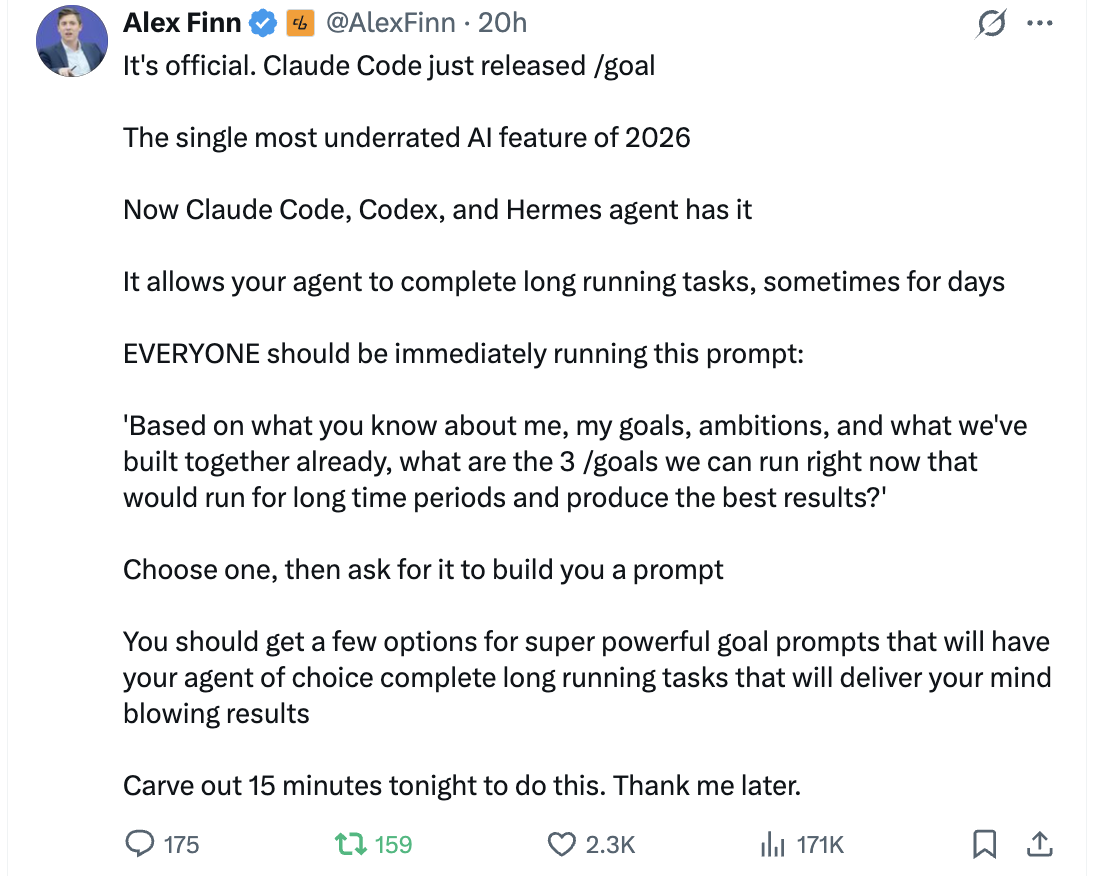
Alex Finn tweet — /goal is the most underrated AI feature of 2026

> It's official. Claude Code just released /goal > > The single most underrated AI feature of 2026 > > Now Claude Code, Codex, and Hermes agent have it > > It allows your agent to complete long running tasks, sometimes for days > > EVERYONE should be immediately running this prompt: > > 'Based on what you know about me, my goals, ambitions, and what we've built together already, what are the 3 /goals we can run right now that would run for long time periods and produce the best results?' > > Choose one, then ask for it to build you a prompt > > You should get a few options for super powerful goal prompts that will have your agent of choice complete long running tasks that will deliver your mind blowing results. > > Carve out 15 minutes tonight to do this. Thank me later. **Source:** [Alex Finn (@AlexFinn) on X](https://x.com/AlexFinn/status/2053976411296452887) --- ### 2. Let the agent draft the /goal prompt for you

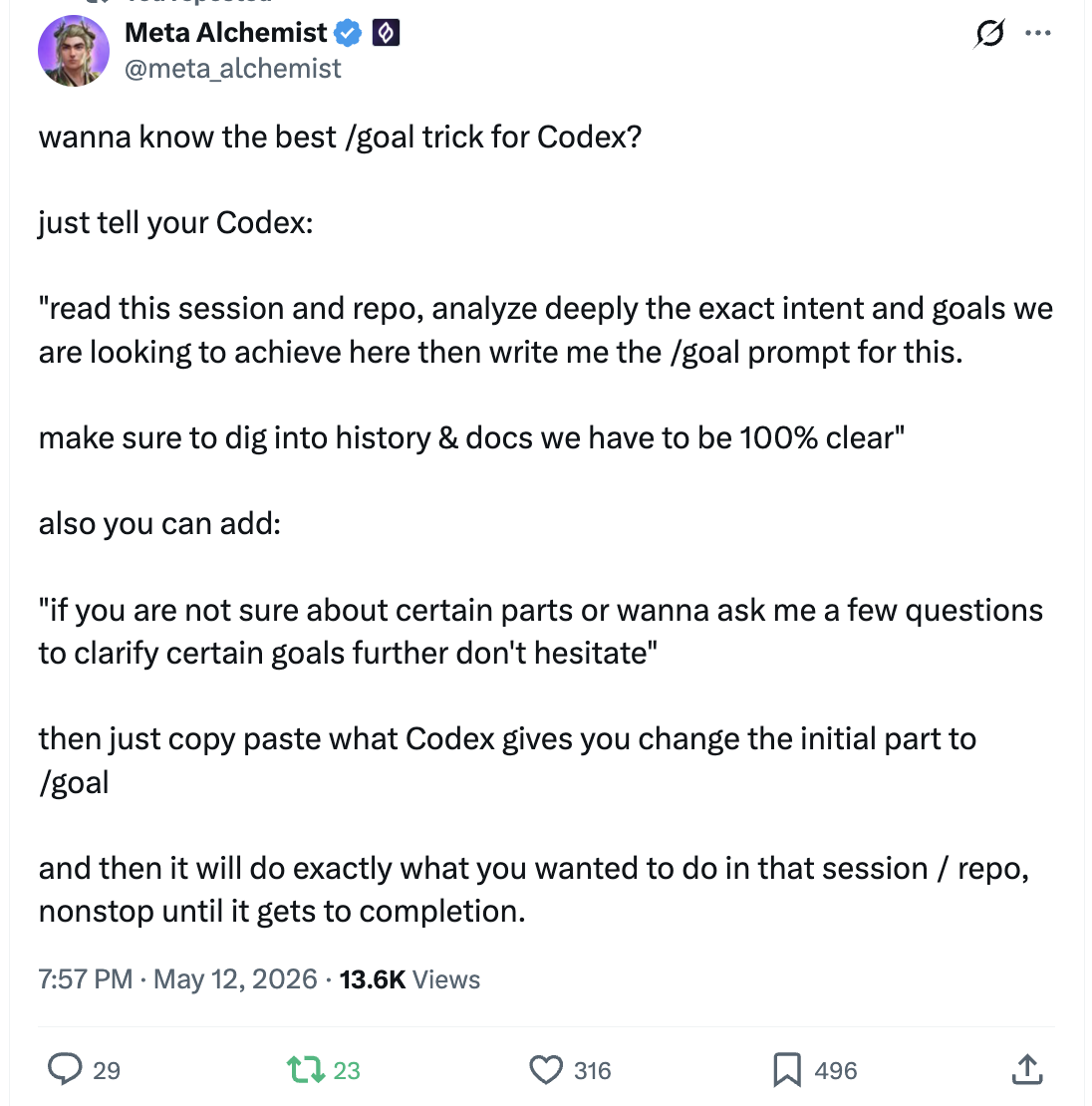
Meta Alchemist tweet — /goal trick for Codex

> wanna know the best /goal trick for Codex? > > just tell your Codex: > > "read this session and repo, analyze deeply the exact intent and goals we are looking to achieve here then write me the /goal prompt for this. > > make sure to dig into history & docs we have to be 100% clear" > > also you can add: > > "if you are not sure about certain parts or wanna ask me a few questions to clarify certain goals further don't hesitate" > > then just copy paste what Codex gives you change the initial part to /goal > > and it will do exactly what you wanted to do in that session / repo, nonstop until it gets to completion. **Source:** [Meta Alchemist (@meta_alchemist) on X](https://x.com/meta_alchemist/status/2054214497443995694) --- ## ![How to Use](../!/tags/how-to-use.svg) ```bash $ claude > /goal > /goal clear ``` `/goal ` keeps Claude working across turns until a Haiku-evaluated condition holds. It is complementary to `/loop` (time-driven) and auto mode (per-tool). Requires Claude Code v2.1.139+. See the [official docs](https://code.claude.com/docs/en/goal) for full behavior.